
Your Backup App Holds a Key to Your Tenant, Not a Password
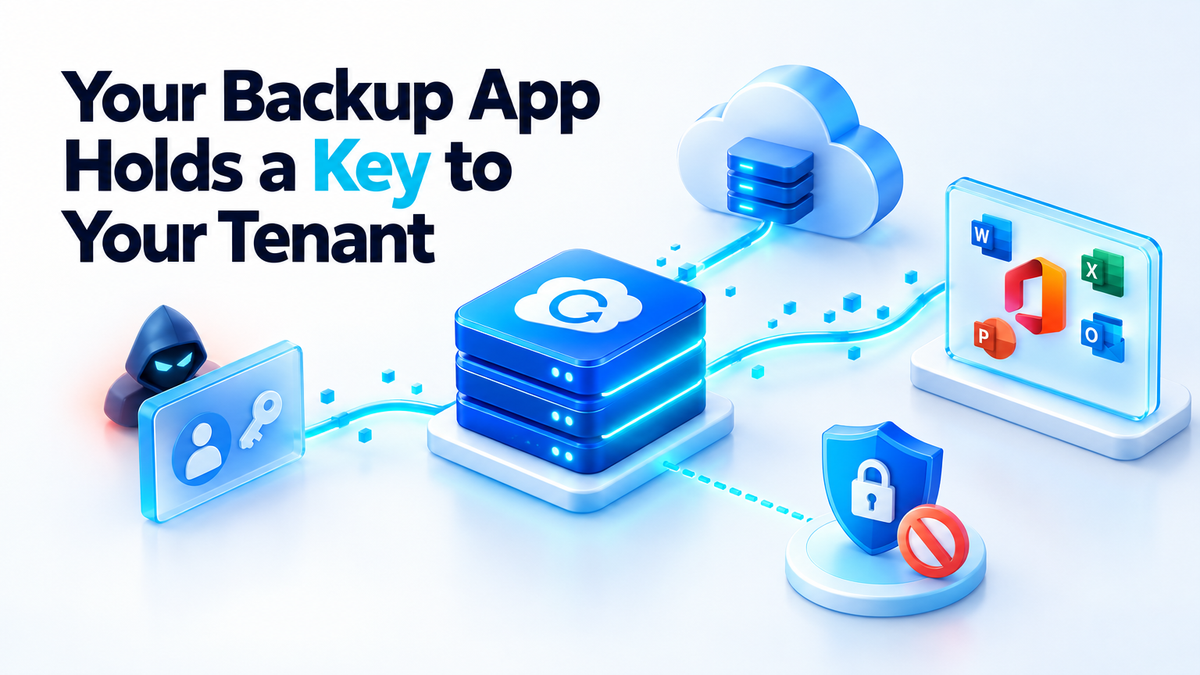
In mid-October 2026, ConnectWise said in its security advisory that it had "recently identified unauthorized access to application identities within the ConnectWise Cloud Backup environment." The product was formerly called SkyKick Cloud Backup. As a protective measure, ConnectWise shut down application access for its partners and clients.
Those identities were then used to reach Microsoft 365 tenants through the permission customers had already granted the backup app. Huntress dates the credential's use from on or around 14 October 2026, when it was used to obtain Microsoft Graph access tokens across customer tenants. Microsoft confirmed malicious activity involving the service. BleepingComputer reported that Microsoft saw unauthorized authentication attempts from a single IP address starting on 15 October. Huntress identified at least 162 compromised tenants among the customers it monitors. That is Huntress's figure for its own environment, not a global count.
ConnectWise says it has "no indicators to date that Cloud Backup partner backup data has been compromised." It also says the existing backup archive is not impacted and will be accessible once services are restored. Researchers described the access as inheriting read and write permissions over mail, files and chats, which is a separate claim. What stands out to me is that nobody typed a password anywhere.
The ten-minute Microsoft 365 backup check for your tenant
If you have ever used SkyKick or ConnectWise Cloud Backup, or inherited a tenant from someone who did, run this check today. The steps follow the self-check guidance Huntress published. I have added notes on what each screen tells you.
- Find the app. Sign in to the Entra admin center and open Enterprise applications. Search for Application ID
506e08f9. You can also search by name for "SkyKick" or "ConnectWise Cloud Backup". If nothing comes up, the app was never consented in this tenant. - Open the right log tab. On the app's page, go to the sign-in logs and switch to Service principal sign-ins. The default User sign-ins tab will not show this activity, because no user signed in. This is the step people miss.
- Check the source addresses. Look for sign-ins from IP addresses outside the vendor's normal range. The easiest baseline is the same tab from a few weeks earlier, when the app was only doing its usual backup runs.
- Search the unified audit log. Filter for 14 to 16 October 2026. Look for unusual mail access, bulk file downloads or directory changes. Todyl found no directory changes in the tenants it monitored: no new secrets, applications, consents or role assignments by the backup app. A clean directory is therefore not proof that nothing was read.
- Decide whether to disable the app. In the app's Properties, setting "Enabled for users to sign in?" to No stops new tokens from being issued. According to Todyl, tokens that were already issued can stay valid for up to 90 minutes, so allow for that window. Todyl also found that revoking user sessions does not end this access. Any tenant where the app stays enabled remains exposed until the vendor rotates the credential.
Write down what you found and when you changed it. If you later need to explain your tenant's exposure to a client or an insurer, notes taken at the time are worth far more than recollection.
Why MFA had nothing to challenge
When you connect a backup service to Microsoft 365, you approve a consent screen. That creates a service principal in your tenant, which is the local record of the vendor's application. The vendor keeps a secret or a certificate that proves it is that application. When its servers want data, they present that credential to Microsoft and receive a token. Nobody is involved at that point.
This is called app-only authentication. There is no interactive sign-in, so there is no second factor, no push notification to approve and no phone to tap. Todyl and BleepingComputer both describe these sign-ins as application-only. MFA was not bypassed. It simply never applied, because the credential belongs to an application, not a person.
Todyl found that the unauthorised party authenticated to Microsoft Graph as the ConnectWise Cloud Backup application. That access inherited the app's existing consent, which permits read and write access to mail and attachments (full mailbox access), OneDrive and SharePoint files, and Teams chats, including the ability to restore data.
The write access is the uncomfortable part, and it is not a sign of vendor carelessness. A backup that cannot put data back is only an archive. To restore a deleted mailbox folder or an overwritten SharePoint library, the app has to write into your tenant. So the job itself requires read and write permission over your most sensitive data.
The blast radius of "read and write"
With that consent, an application can read every mailbox in the tenant and download every attachment. It can pull every file from OneDrive and SharePoint and read Teams chats. It can also write data back, because restore requires that. It does all of this through Microsoft Graph, at machine speed, without a person in the loop.
Todyl says the tenants it observed were reached in ascending tenant-ID order, about one to six minutes apart. It reads that as a tool working through a sorted list of tenants that had consented. On that basis, Todyl says it can assume every tenant with the app enabled is compromised. That is Todyl's working assumption for planning a response. It is not a confirmed count.
That pattern says something about how targets get picked. Whoever controls one vendor credential does not need to choose victims one by one, because the consent list is the target list. I wrote about this kind of selection in how an attack surface is chosen, not stumbled into. A shared application identity across many tenants is a very efficient surface.
It also matches what I see when one secret leaks from a repository. The damage depends on what the credential can reach, not on how it leaked. I covered that in what one stolen credential can reach. A backup integration is one of the widest permissions you will ever grant. It is usually approved once, during onboarding, and never looked at again.
The backup you can revoke
You cannot back up Microsoft 365 from outside without an application identity. Some app has to hold a credential with read access, and restore needs write access. What you can control is whose credential it is, how narrow it is, how often it changes, and how fast you can kill it. This is the pattern I use for small tenants.
- Your own app registration. Create the app in your own tenant, so the credential is yours and not shared with every other customer of a vendor. If it leaks, only your tenant is exposed.
- Narrow permissions. Grant only the Graph permissions the job actually uses. If you do not back up Teams, do not grant Teams access. Exchange Online also lets you limit an app's mail access to a defined set of mailboxes instead of the whole organisation.
- Separate backup from restore. I keep one registration for read-only backup runs. A second registration with write permissions stays disabled until I actually need to restore something. Most days, nothing in the tenant can write data back.
- A certificate you control. Use a certificate rather than a client secret, store it only on the backup host, and give it a short expiry. Put the rotation date in your calendar. Deleting it from the app registration revokes it in one step.
- Hardware you control. Run the backup job on a machine you own, and keep the exported data there or on storage you manage. Then the copy does not depend on one vendor staying healthy.
- An export path for each workload. Know how you would get mail, OneDrive and SharePoint data out if your main tool stopped working tomorrow. Test it once, on a small mailbox and a small library.
There is an honest limitation here. Every Microsoft 365 backup, including mine, depends on an application identity. Running it yourself means the credential is your responsibility: you have to protect the host, rotate the certificate and read the sign-in logs. If you hand that identity to a vendor, you also inherit their incidents. Neither choice is risk-free, but only one of them lets you revoke access without waiting for anyone else.
There is a practical point for right now as well. ConnectWise Cloud Backup is currently switched off for customers. If it was your only backup for a tenant, that tenant has no running backup today. Set up another route now rather than waiting for the service to return.
Before you approve the next consent screen
Open Enterprise applications in your tenant and look at what is there. For each app, check its permissions and when it last signed in, and decide whether it still needs access. Most tenants I review have at least one integration nobody remembers adding.
If you would rather have someone audit which applications hold consent in your tenant and tighten it, see my services page.
Fiverr: hiteshsaini459 · Upwork: hiteshsaini25