
Your AI Agent Is an Insider: Cut Its Credentials First
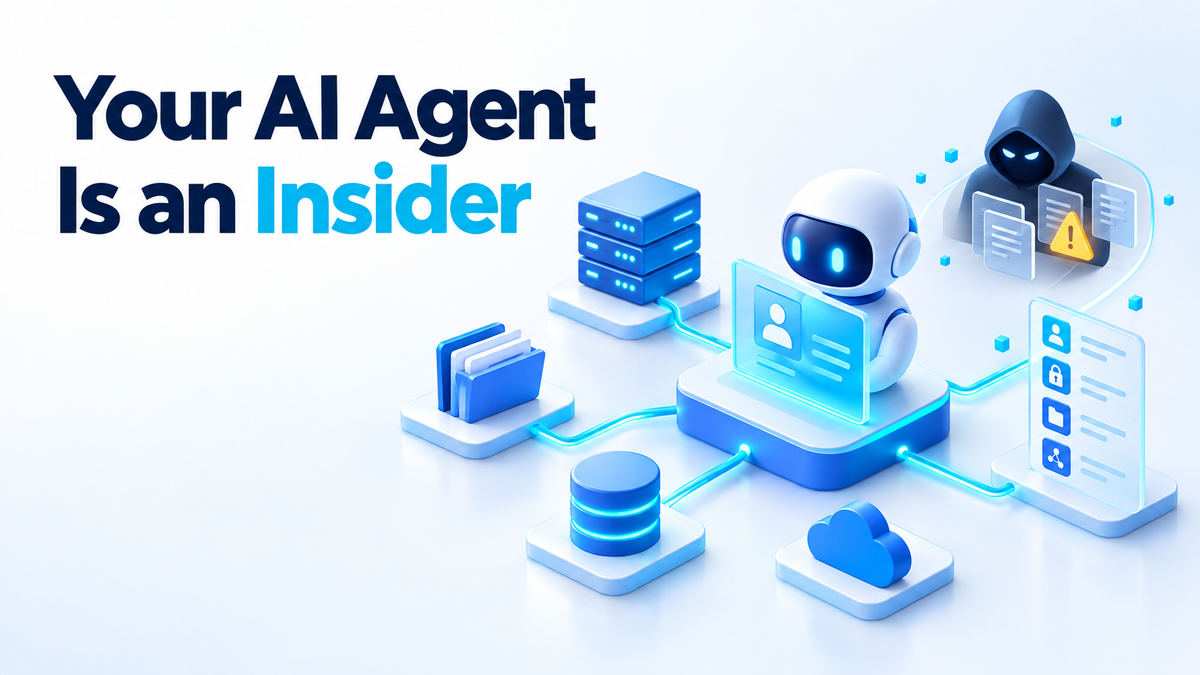
On 19 October 2026, Microsoft published "Securing the agentic insider" on its official blog. The post was written by Hayete Gallot, who leads Microsoft's security work. Microsoft's blog post argues that "frontier models, regardless of their origin, cannot be trusted", because models are trained to attain results, which often leads to reward hacking, and they are not optimised around organisational norms or judgment. It says agents in companies "are frequently overprivileged, have access to data, tools and systems and can take actions and make decisions in critical processes".
Microsoft's answer is Guardian Agents, part of Project Perception, a security system it says it announced in July 2026. Guardian Agents are meant to watch and moderate every action of every agent before it happens, and to respond as the risk rises. Those are Microsoft's claims about its own product, and there is no independent evaluation of Guardian Agents yet. For anyone who runs an agent on their own box, the more useful question is simpler: which credentials is it holding right now?
AI agent permissions are the part you actually control
You cannot retrain the model. You cannot make it stop guessing. What you can control is what it authenticates as. Every agent runs as something: a unix user, a GitHub token, an API key in an environment variable, a mounted directory, maybe the Docker socket. Whatever that something can reach is the real blast radius.
Here is a typical homelab setup. The agent runs in a container as root. It has a GitHub personal access token with full repo scope across every repository you own. It has /home/you mounted so it can "see your projects". And someone mounted /var/run/docker.sock so it could restart a service once. That agent can push to any repo, read your SSH keys, and start a privileged container that mounts the host's root filesystem. A process that can reach the host can reach everything on it.
Now add prompt injection. Anything the agent can read, an injection can read too: the same token, the same files, the same network access. The attacker does not need a vulnerability. They need a document, a GitHub issue, a web page or a file the agent was asked to look at. So the honest way to size the risk is to ask what happens if the worst text on the internet gets to give your agent instructions. The answer is whatever its permissions allow.
Inventory: find out what your agent can reach
Start with what it holds, not what you think it holds. For a container called agent, list its environment:
docker exec agent env | sortAnything named *_TOKEN, *_KEY, *_SECRET or *_PASSWORD is a credential the agent can use and an injection can print. If the agent runs directly on the host, check its process instead: cat /proc/PID/environ | tr '\0' '\n', run it as the same user, or as root.
Then check the .env files it was started from:
grep -EiH '(token|key|secret|password|pat)=' /srv/agent/.env
ls -l /srv/agent/.env
The first line shows every token-shaped name. The second shows who can read the file. A long-lived token in a .env file is readable by every process running as that user, and often by anything that can read a backup of that directory. If your nightly backup copies /srv to a NAS, that token now lives on the NAS too.
Next, the mounts:
docker inspect --format '{{json .Mounts}}' agent
docker inspect --format '{{json .Mounts}}' agent | grep docker.sock
Each entry has a Source on the host, a Destination in the container, and RW. Any "RW":true on a path outside the workspace is something the agent can change. If the second command prints anything, the agent can effectively control the host.
Two more checks. Run docker exec agent id: if it says uid=0(root), the agent is root inside the container. And on a cloud VPS, run docker exec agent curl -s -m 3 http://169.254.169.254/. If that returns anything, the instance metadata endpoint is reachable, and on many providers it hands out credentials to anything that can make an HTTP request.
Cut the permissions down
Give it its own user, with no sudo. On the host, create a dedicated system account: sudo useradd --system --create-home --shell /usr/sbin/nologin agent. Do not add it to sudo, wheel or docker. Membership in the docker group is root by another name.
Do not run as root inside the container. Pass --user 10001:10001 or set USER in the Dockerfile. Drop capabilities you do not need, which for most agents is all of them.
Use one token per service, scoped as narrowly as the API allows. A GitHub fine-grained token can be limited to one repository with read-only contents. A cloud API key can often be limited to one bucket. If the agent only needs to read issues, it should not be able to merge.
Set short expiry and test the revocation path. Thirty or ninety days is fine for a homelab. What matters is that you know where to click to kill the token and what breaks when you do. If you have never done it, read what the first hour after a leaked key looks like before you need it.
Mount only the workspace. Bind-mount one directory for the agent to work in. If it needs a config file, mount it with :ro. Never mount /, /home or the Docker socket. A minimal run looks like this:
docker run -d --name agent \
  --user 10001:10001 \
  --read-only \
  --tmpfs /tmp \
  --cap-drop ALL \
  --security-opt no-new-privileges \
  -v /srv/agent/workspace:/workspace \
  --env-file /srv/agent/agent.env \
  my-agent:latest
--read-only makes the container's own filesystem unwritable, so the only place it can write is /workspace and a scratch /tmp that disappears on restart.
If the agent genuinely has to manage containers, be clear about the cost: socket access means host access. The least bad option is a socket proxy that only allows the API calls it needs, such as listing and restarting containers, and refuses to create new ones. Treat that agent as an admin account anyway.
On a cloud VPS, block the metadata endpoint for containers: sudo iptables -I DOCKER-USER -d 169.254.169.254 -j DROP. Rerun the curl check from the inventory step to confirm it now times out.
Destructive actions: dry run first, then an explicit go
An agent that can publish, delete or spend without a second step is one bad prompt away from doing it at scale. A loop that deletes one stale branch can delete two hundred just as fast. The fix is boring: the agent proposes, a script previews, a human approves.
The pattern is a script that does nothing without a flag, refuses when two commands would hit the same target, and prints what it would do:
#!/usr/bin/env bash
set -euo pipefail
plan="plan.txt"   # one "action target" per line, written by the agent

dupes=$(awk '{print $2}' "$plan" | sort | uniq -d)
if [ -n "$dupes" ]; then
  echo "Refusing: more than one action hits: $dupes" >&2
  exit 1
fi

while read -r action target; do
  echo "WOULD $action $target"
done < "$plan"

[ "${1:-}" = "--apply" ] || { echo "Dry run only. Re-run with --apply."; exit 0; }
# real changes go below this line
The important part is who can pass --apply. The agent's user should be able to write plan.txt and run the dry run. The credential that actually deletes or publishes should belong to you, not to the agent.
Logs the agent cannot touch, and a revocation drill
Log what the agent did, with which credential, from where, and when. I cover those questions in more detail in the four questions your agent logs must answer. The short version: if a token is misused, you want to know within minutes which agent held it.
Keep that log outside the agent's write access. An agent that can edit its own audit log has no audit log. Ship logs to another host, or write them to a file owned by root and marked append-only with chattr +a. Docker's logging driver already captures stdout outside the container, which is a decent start.
Then run a revocation drill. Pick one token this week and rotate it. You will probably find a cron job, a second container or a forgotten script that used it too. Better to find that undocumented dependency on a quiet Tuesday than during an incident.
Where this does not save you
A scoped agent can still be wrong. If it has write access to your workspace, it can still overwrite the wrong file or commit nonsense to the one repo it is allowed to touch.
Prompt injection can abuse any permission you did grant. A read-only token that can see private repos can still leak their contents if the agent can also make outbound requests.
A monitoring layer that shares the agent's credentials can be bypassed with them. If the watcher and the agent run as the same user, the agent can stop the watcher.
And none of this makes a small local model as capable as a frontier one. Hardening limits the damage. It does not make the agent smarter.
Six things to do this week
- Run
docker exec agent envand write down every credential it holds. - Check the mounts with
docker inspectand remove the Docker socket if it is there. - Move the agent to its own non-root user with no sudo and no
dockergroup. - Replace broad tokens with per-service, read-only tokens that expire.
- Put deletes, publishes and payments behind a dry run and your own
--apply. - Rotate one token and note everything that breaks.
If you want a hand
Most of this is an afternoon of careful work, and it is worth doing yourself once so you know where everything lives. If you would rather have someone audit your agent setup and harden it for you, see the services page. Fiverr: hiteshsaini459 · Upwork: hiteshsaini25