
Open Hardware Is Not an Open Assistant: What You Actually Own
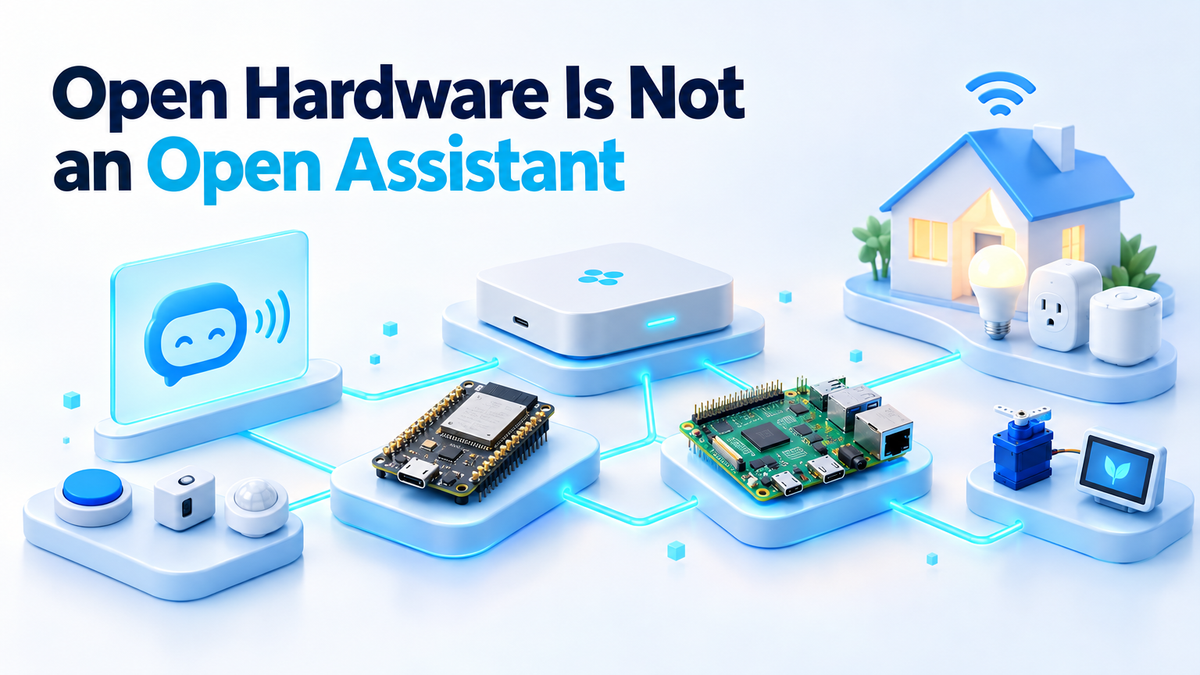
On 2 October 2026 Meta introduced Muse Gadgets. It open-sourced firmware and device SDKs so that you can program an off-the-shelf ESP32 board or a Raspberry Pi and connect its Muse assistant to displays, buttons, sensors and actuators. The code lives at github.com/facebookincubator/muse-gadget-sdk under the Apache 2.0 licence, with two SDKs: one for ESP32 and one for Linux. Meta also built Muse Home Link, a USB-C-powered adapter that lets Muse reach the smart devices on a home network. Nat Friedman said Meta made 5,000 units and is giving them to Muse subscribers in the United States while supplies last.
To use any of it you need a Muse account and an SDK token. The model itself is not part of the release. That is the detail worth thinking about, because it applies to far more than this one launch. The gadget on your desk is yours. The assistant answering through it is not.
What a self-hosted AI assistant actually needs
A voice assistant is a chain of parts. Something listens for a wake word. Something turns your speech into text. A language model reads that text and decides what to say or which device to switch. Something turns the reply back into speech. The board with the microphone is only the first and last link.
Owning the assistant means owning the middle of that chain. The model is a set of weight files, often several gigabytes, that has to sit on your disk. A runtime such as Ollama or llama.cpp has to load those files into memory. A CPU or GPU on your hardware has to do the work every time you ask a question. If any of those three things live on someone else's server, you are renting the part that thinks.
There is a simple test. Unplug the WAN cable from your router and ask your assistant to turn on a light or answer a question. If it still works, the brain is at home. If it goes quiet, the brain was somewhere else all along. I covered the cost and control side of this in more detail in the earlier post on renting an AI model versus owning one, and the same logic applies here, just with a microphone attached.
The parts you own and the part you still rent
It helps to list the pieces honestly, because an open-source release can make the whole thing feel more yours than it is.
- The board. An ESP32 or a Raspberry Pi you bought is fully yours. You can reflash it, wire new sensors to it, or repurpose it for something else entirely.
- The code. Apache 2.0 is a permissive licence. You can read the firmware, fork it, change it and ship your changes. That is real ownership, but it covers the code in the repository and nothing beyond it.
- The data. Sensor readings that stay on the device are yours. Anything sent to a hosted assistant, such as your voice request or the state of a device it controls, leaves your network to be processed.
- The account. You hold the login and the SDK token, but an account and a token are permission granted by whoever runs the service. That is true of every hosted service, and it is not a prediction about this one.
The rented part is the model, the compute it runs on and the inference that happens on every request. When a gadget points at a hosted assistant, you supply the ears and the hands. Someone else supplies the thinking.
None of this makes the Muse release bad. Open firmware is genuinely useful, and Meta's own list of project ideas features the Home Assistant Voice Preview Edition, a device many readers already own. That example shows the point nicely: the same kind of hardware can be pointed at a hosted assistant or at one you run yourself. The device does not decide who owns the brain. Your setup does.
What a practical self-hosted assistant looks like today
You can build a fully local voice assistant right now with parts that are free to download. My setup uses Home Assistant as the glue and four other pieces around it.
- A local model server. Ollama running on a machine with a GPU, or a reasonably strong CPU if you can accept slower replies. Home Assistant has an Ollama integration that uses it as a conversation agent.
- Speech-to-text. Whisper, served through the Wyoming protocol so Home Assistant can talk to it.
- Text-to-speech. Piper, also over Wyoming. It is light enough to run on modest hardware.
- A voice device. The Home Assistant Voice Preview Edition, which handles the microphone, speaker and wake word.
The server side fits in one docker-compose.yml:
services:
  whisper:
    image: rhasspy/wyoming-whisper
    command: --model small-int8 --language en
    volumes:
      - ./whisper:/data
    ports:
      - "10300:10300"
    restart: unless-stopped

  piper:
    image: rhasspy/wyoming-piper
    command: --voice en_US-lessac-medium
    volumes:
      - ./piper:/data
    ports:
      - "10200:10200"
    restart: unless-stopped

  ollama:
    image: ollama/ollama
    volumes:
      - ./ollama:/root/.ollama
    ports:
      - "11434:11434"
    restart: unless-stopped
Run docker compose up -d, then pull a model with docker compose exec ollama ollama pull llama3.1:8b. If you have an NVIDIA card, you will need the NVIDIA Container Toolkit and a GPU reservation in the Ollama service, or it will fall back to the CPU.
In Home Assistant, add the Wyoming integration twice, once pointing at port 10300 for Whisper and once at 10200 for Piper. Add the Ollama integration pointing at port 11434. Then go to Settings, Voice assistants, create a pipeline and select Ollama as the conversation agent, Whisper for speech-to-text and Piper for text-to-speech. Assign that pipeline to your Voice Preview Edition and you are done.
Where the seams show
Wake word. The Voice Preview Edition detects the wake word on the device itself, which is good for privacy. The trade-off is a short list of wake words to choose from, and you will get the occasional false trigger from the television.
Latency. Every stage adds time: recording, transcription, the model's reply and speech synthesis. A larger Whisper model or a larger language model on a CPU makes the pause noticeable. A GPU helps more than anything else, and smaller models help too.
Answer quality. A small local model is good at "turn off the kitchen lights" and weaker at open-ended questions than the big hosted models. If you want it to control devices, pick a model that supports tool calling. Also turn on the Prefer handling commands locally option in the conversation agent settings, so Home Assistant's built-in intent matching handles simple commands before the model ever sees them. That one setting removes a lot of the waiting for everyday requests.
The honest trade
Here is what you give up. You lose polish: nobody tunes the experience for you, and updates are your job. You lose effortless quality, because a hosted assistant backed by a large model will usually give better answers to broad questions than whatever fits on your GPU. You also lose the convenience of someone else fixing things when they break at 11 pm.
Here is what you gain. You get control over every link in the chain, including which model runs and when it changes. There is no metered bill per request, only the hardware you already bought and the electricity it draws. Your voice recordings and home data stay on your network. And the assistant keeps working when the internet goes down, which is exactly when you want the lights to still respond.
You do not have to pick one side for everything. Plenty of people run local control for the house and use a hosted model for the occasional hard question. That is a reasonable choice. The mistake is not knowing which part you are renting, and assuming that open firmware on your own board means the whole assistant is yours.
If you want help setting it up
The stack above is a weekend project if you enjoy this kind of thing, and a frustrating one if you just want it working. If you would rather have someone set up a local assistant on your own hardware, with the model, speech services and Home Assistant pipeline configured and tested, take a look at the services page.
Fiverr: hiteshsaini459 · Upwork: hiteshsaini25