
The Recorder Behind the TV: The Layer Self-Hosters Never Audit
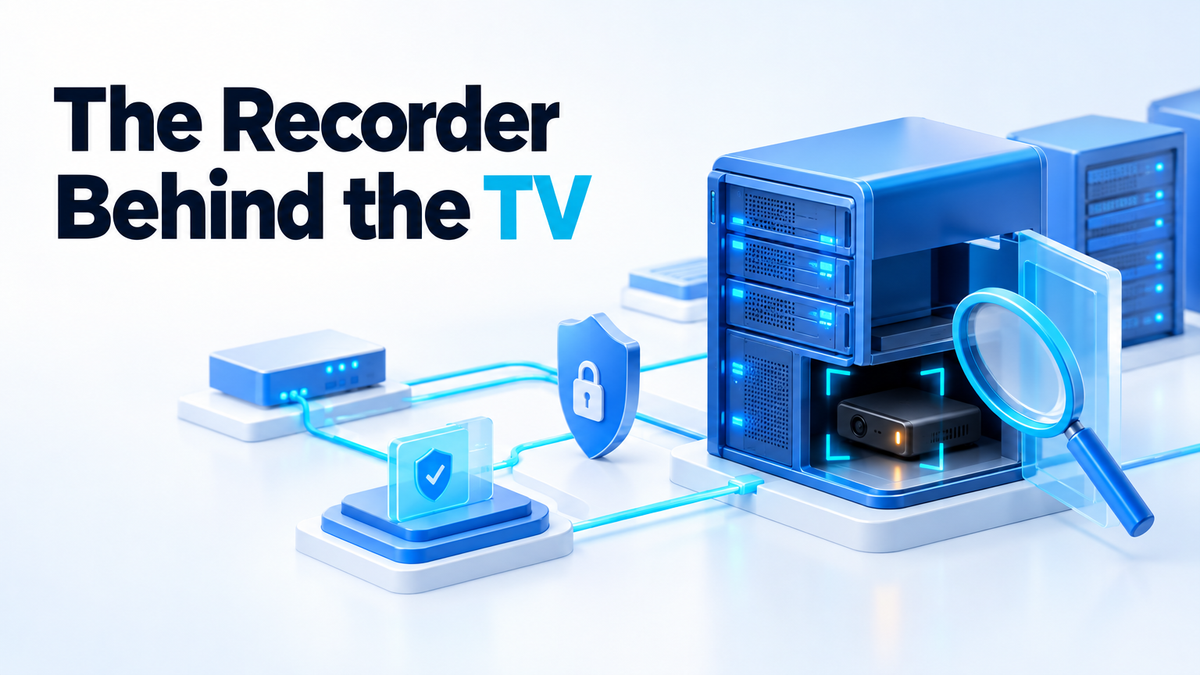
On 13 October 2026, OpenAI said in a statement that it had found a "sophisticated recording device" hidden in one of its offices and had referred the matter to the FBI. The company said a specific employee had planted it "a few days earlier" and that it had "no indications of this individual inappropriately accessing or exfiltrating model weights, source code, or customer data". According to a US Department of Justice press release, Abdulrahman Alfozan, 35, was arrested on 9 October. He is alleged to have plugged an encrypted recording device, concealed inside toilet paper, into a TV in an executive conference room on 28 September. He has not commented publicly, nothing has been proven in court, and if convicted he faces up to five years in prison.
The detail worth keeping is not who or why. The device was allegedly plugged into the back of a TV, and it was never on any network. No firewall, egress rule, DNS sinkhole or VPN would have seen it. A security sweep two days later found it, which means a person physically checked a room. That is the layer most of us running home labs, colo boxes and office racks never audit, and it is the one layer we own completely.
Physical server security starts with who can touch the box
Most self-hosting advice is about the network: close ports, put things behind a reverse proxy, use SSH keys. All good. But every one of those controls assumes the attacker is somewhere else. A server in a shared office, an open cupboard in a flat with housemates, or a colo cage you share with strangers is a machine with an unknown set of hands on it.
Console access beats every password on the box. If someone can reach the keyboard, they can reboot into a live Linux USB stick and read your disk directly. If they can reach the boot loader, they can often edit the kernel line, add init=/bin/bash, and get a root shell without ever seeing your login prompt. In that situation your login screen is decoration.
So the first question is not technical. Write down every person who can physically reach each machine: you, family, cleaners, the landlord, colo staff, the other tenants on your floor. If that list is longer than you expected, the rest of this article matters more to you.
Encryption, firmware and the second server you forgot
Disk encryption turns theft into a hardware loss
Full-disk encryption means the data on the drive is scrambled unless you supply a key. On Linux the common answer is LUKS, set up with cryptsetup, and most installers (Debian, Ubuntu, Fedora) offer it as a checkbox. If the machine walks out of the building, the thief has a box of parts, not your photos, databases and password vault.
For a data disk added later, the basic flow looks like this. Note that luksFormat wipes the partition, so check the device name with lsblk first.
cryptsetup luksFormat /dev/sdX1
cryptsetup open /dev/sdX1 data
mkfs.ext4 /dev/mapper/data
The honest caveat: LUKS protects data at rest. Once the machine is booted and unlocked, the data is readable to anyone who gets a shell. It also needs a passphrase at boot, which means either typing it at the console (think about who is standing behind you when you do) or unlocking remotely, for example with dropbear-initramfs on Debian, which gives you a small SSH server in the boot environment. Binding the key to a TPM avoids the typing but weakens the protection if the whole machine is stolen. Pick the trade-off on purpose.
If you rent a VPS, the physical disk is your provider's problem. The moment you own the metal, it is yours.
Boot order and USB ports
In the firmware setup, disable booting from USB and optical media, set the internal disk as the only boot device, and set a firmware (BIOS or UEFI) password so nobody can change that back in thirty seconds. Put a password on GRUB as well, so the kernel command line cannot be edited at boot. None of this stops a determined person with a screwdriver and time, but it stops the quick version, and the quick version is the common one.
The management interface is a second server
IPMI, Dell iDRAC, HP iLO and a Pi-based KVM all do the same thing: they give remote console, power control and virtual media. That means they can do everything root can, including booting your server from an ISO of someone else's choosing. They often ship with default credentials, run old firmware, and sometimes end up reachable from the public internet.
Treat that port as its own machine. Change the default password, update the firmware, and put it on a separate VLAN that only your admin machine can reach. The same thinking applies as when you isolate IoT devices on your network: if you cannot fully trust or patch a device, limit what it can talk to. And do not reuse that password anywhere else. One leaked credential reaches further than people expect, which is the whole story behind secrets left in Git history.
Inventory what is attached, on the shelf and on the wire
You cannot notice a small device you have never listed. Keep a one-page list of what is plugged into your rack, your desk and any room where you talk about things that matter: every cable, adapter, USB stick, dongle and power brick. Photograph the back of each machine and the patch panel. Next time you look, compare the photo to reality. A new adapter that nobody remembers buying is worth a question.
The network has its own version of the same list:
- DHCP leases. On dnsmasq or Pi-hole, look at
/var/lib/misc/dnsmasq.leases. On a router, check the lease table in its admin page. - Switch MAC table. On a managed switch, something like
show mac address-tabletells you which MAC address sits on which physical port. - Neighbour tables.
ip neighon Linux orarp -aon most systems shows what your machine has recently seen on the LAN. - Alerts on new devices. A tool such as
arpwatchcan email you when an unknown MAC address appears, which is far better than checking by hand.
Be honest about the limit here. None of that would have found a recorder plugged into a TV, because it never joined the network. That is exactly why you keep both lists. The network inventory catches the device that talks; the physical inventory catches the one that only listens.
The cheap habits that actually found this device
The device in this case was found by a sweep, not by software. The small-scale version of that is boring and nearly free:
- Schedule a walk-through. Once a month, look at the rooms where confidential work happens: your office, the meeting room, the space with the rack.
- Check the usual hiding spots. Behind the TV, the USB ports on the TV and monitors, under desks, inside the patch panel, power strips and ceiling-level shelves.
- Use cameras where you legally can. A camera on the rack door or server cupboard tells you who opened it and when. Check the local rules on recording people first, especially in shared offices.
- No unattended bags in sensitive rooms. According to the indictment, when agents searched a bag Alfozan had allegedly left unattended, they found a second identical recording device.
- Decide who is allowed in. Not everyone who works in a building needs to be in the room where the rack lives or where the sensitive meetings happen. Lock that door and keep track of who has a key.
Room calendars and booking systems are worth a thought too. According to the FBI, Alfozan allegedly asked an AI chatbot about meeting rooms, their capacities and calendars, and where leadership would be. A shared calendar that shows when the important meeting is, and where, is useful to the wrong person as well.
What a small self-hosted setup should take away
Two lessons carry past this story. The first is that the insider is a threat model almost nobody builds for. We plan for the stranger on the internet, not the person who already has a badge, a key or a seat at the table. In a home lab that might be a housemate or a visitor; in a small office, a contractor or a colleague.
The second is that the layer you never audit is the layer that gets used. If you have spent weekends on firewall rules and never once looked behind the rack, the rack is your weak point.
Be clear about what self-hosting does and does not give you. Running your own stack means you hold the logs, the data and the accounts, and you can encrypt, monitor and inventory all of them. That is real value. But it does nothing about a person in the room with a recorder. Self-hosting gives you the logs and the data, not a lock on the door. You still have to buy the lock and check behind the TV.
Getting a second pair of eyes
Most people find their gaps by walking through their own setup with a checklist like the one above. If you would rather have someone review the physical and network layer of your home lab, colo box or small office rack, take a look at the services page.
Fiverr: hiteshsaini459 - Upwork: hiteshsaini25