
How to isolate IoT devices on your network when you can't patch them
On 12 October 2026, Anthropic's Frontier Red Team published a post titled "AI models may be capable of self-replicating without access to a datacenter", written by William Zhou and Daniel Freeman. Anthropic's claim, in its own words, is that small AI models "may be months away" from being capable enough to self-replicate on commercial internet-of-things devices, like smart ovens and off-brand Android TV boxes. Anthropic says a replicator like this "would be challenging to shut down" because there is no centralized point to shut off, though it may be slow, with a doubling time of days.
Anthropic is also clear that this has not happened: "We don't yet have a full rogue replicator, but agents are becoming increasingly capable of completing the individual steps in the replication chain." If you run your own gear, the useful part of the post is the hardware it describes. The attack surface is the cheap, unpatched device you already have plugged in.
Why you should isolate IoT devices on your network
Anthropic's post is specific about the hardware. It says typical boxes in that price range ship with 1 to 4 GB of RAM and run forks of the Android Open Source Project that their manufacturers do not add security features to. The boxes Anthropic bought for its experiment cost roughly $55 each.
Anthropic also names the Kimwolf botnet, over two million devices that are primarily off-brand Android TVs, as its representative threat model. That detail is worth keeping. These devices are already a soft target for ordinary malware, with or without AI in the picture.
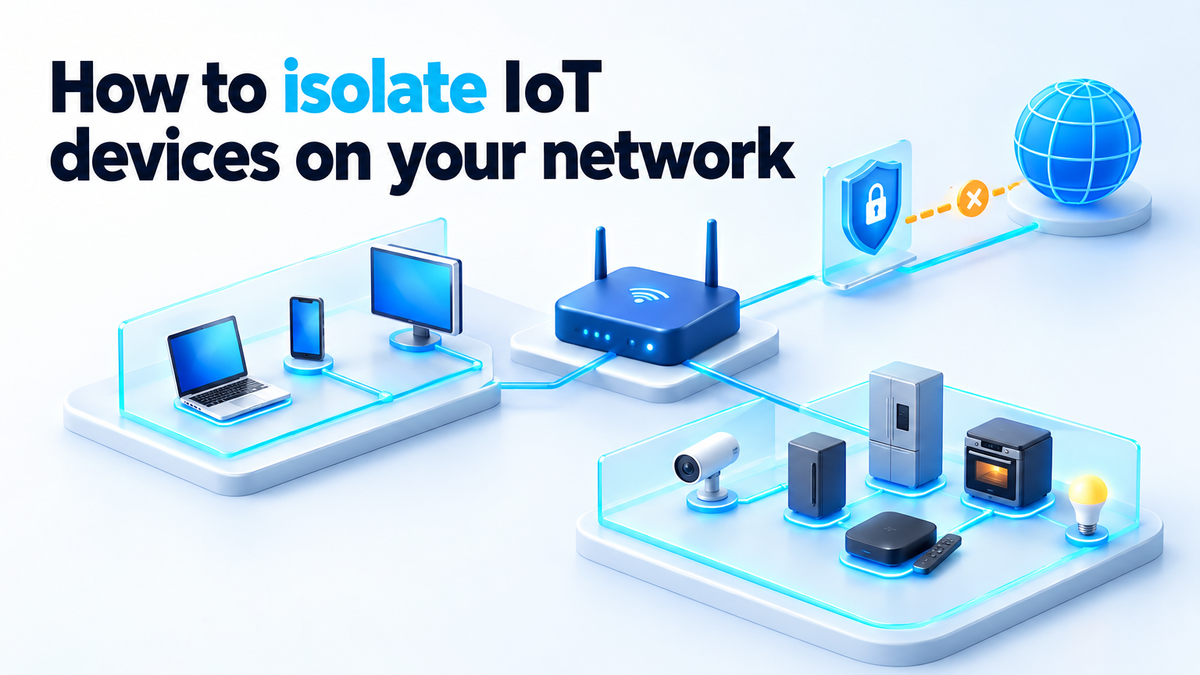
You cannot fix that firmware. You can decide what the device is able to reach. A TV box on the same flat network as your NAS, your Proxmox host and your Docker stacks can talk to all of them. A TV box on its own network can talk to the internet and nothing else.
So the first and cheapest control is placement. Put every IoT device on its own network, with a separate SSID or a VLAN, and keep it off the network where your servers live. If your router only offers a guest Wi-Fi network, turn that on and move the devices there today. It is a weaker version of the same idea, and it is still much better than one flat LAN.
What Anthropic's report showed, and what it did not
The numbers are easy to overstate, so read them carefully. All of them are Anthropic's own results from its own evaluations. I have not reproduced any of them.
- In Anthropic's evaluations, a 9B model got inference running on 8 of the 9 hardware types it tested.
- Anthropic says models of 30B parameters and under can already complete many of the individual steps for replication today, though they make mistakes when composing them end to end.
- In its simplified evaluations, Anthropic found GLM-5.2 and stronger models capable of end-to-end replication.
- Anthropic ran Gemma4-26B-A4B across 15 off-brand Android TV boxes at 0.39 tokens per second.
Then comes the caveat, which Anthropic states itself: its evaluation "keeps the cyber-exploit element of the replication trivial (there's no authentication over the ADB port), which makes this an upper bound on real-world success." The evaluation did not make the model break in. Getting in is the hard part of a real attack, and it was kept trivial.
So there is not yet a full rogue replicator, and the result is a ceiling, not a forecast. Anthropic's advice is measured too: "We should aim to harden our systems to make it difficult for such replicators to spread, but also prepare to deal with a world where they are here to stay." On a home network, hardening has a plain meaning. An open ADB port should not be reachable from anything you care about.
The configuration: SSID, VLAN and firewall rules
The setup has four parts. I'll use OpenWrt for the examples because the settings live in plain files. The same four parts exist in OPNsense, pfSense and UniFi under different menu names.
- A separate network. Create an interface called
iotin/etc/config/networkwith its own subnet, for example192.168.20.1/24, and give it a DHCP pool in/etc/config/dhcp. If you have a managed switch or separate access points, tag it as a VLAN, for example VLAN 20. - A separate SSID. In
/etc/config/wireless, add awifi-ifacewithoption network 'iot'andoption isolate '1'. Theisolateoption stops devices on that SSID from talking to each other over Wi-Fi. - A firewall zone that cannot reach your LAN. This is the part that does the work.
- No inbound paths. No port forwards to anything in the IoT subnet, and UPnP off.
The firewall zone goes in /etc/config/firewall:
config zone
    option name 'iot'
    list network 'iot'
    option input 'REJECT'
    option output 'ACCEPT'
    option forward 'REJECT'

config forwarding
    option src 'iot'
    option dest 'wan'

config forwarding
    option src 'lan'
    option dest 'iot'

config rule
    option name 'IoT-DHCP'
    option src 'iot'
    option proto 'udp'
    option dest_port '67'
    option target 'ACCEPT'

config rule
    option name 'IoT-DNS'
    option src 'iot'
    option proto 'tcp udp'
    option dest_port '53'
    option target 'ACCEPT'
Read it from the top. input 'REJECT' means IoT devices cannot reach the router's admin page or SSH. There is a forwarding from iot to wan and one from lan to iot, but none from iot to lan, so that direction is blocked. You can still open the TV box's app from your laptop, because replies to connections you started are allowed back.
The two rules at the bottom let devices get an address and resolve names, and nothing more. Apply the file with service firewall restart. On OPNsense or pfSense, the equivalent is a block rule on the IoT interface with an alias holding 10.0.0.0/8, 172.16.0.0/12 and 192.168.0.0/16 as the destination, placed above the rule that allows internet access.
UPnP lets a device ask the router to open a port to itself without asking you. On OpenWrt it only exists if you installed miniupnpd; set option enabled '0' in /etc/config/upnpd or remove the package. On a consumer router, look for the UPnP toggle, usually under the advanced or NAT settings, and turn it off.
One last check. ADB over the network normally listens on TCP port 5555. From a machine on your main LAN, nmap -p 5555 192.168.20.0/24 shows which devices have it open. If one does, turn off ADB or USB debugging in its developer options, if the firmware lets you.
See what your devices talk to
Segmentation controls what a device can reach inside your network. Egress, the traffic leaving your network, is where you find out what the device is doing. It is the detection layer you control, because it runs on your hardware and does not depend on the device being honest.
Start with DNS. Run Pi-hole or AdGuard Home and hand its address to the IoT network as the DNS server. In OpenWrt that is list dhcp_option '6,192.168.1.5' in the iot section of /etc/config/dhcp. If the resolver sits on your main LAN, add one narrow firewall rule from iot to that single IP on port 53. Don't open anything wider.
Then open the Query Log page, which has the same name in both tools, and filter by client. Leave a device alone for a day and you will have the list of names it looks up. Block the ones it has no reason to use and see whether it still works.
Some devices ignore the DNS server you give them and use a hard-coded one. Redirect outbound port 53 from the iot zone to your resolver with a DNAT rule, and reject TCP port 853, which is DNS over TLS. DNS over HTTPS on port 443 can still get past this, so DNS logs are not enough on their own.
Firewall logs fill the gap. On OpenWrt, add option log '1' to the iot zone and read the rejected connections with logread. A TV box that keeps trying addresses on your main LAN is worth a closer look. Devices that only need local control, such as a plug managed by Home Assistant, can go in a second zone with no forwarding to wan, so they have no internet at all.
I covered the same principle in egress filtering for self-hosted AI agents: when an agent is blocked, it looks for another way out. That is why outbound rules should be default-deny, not a list of the things you thought to block.
Why waiting for a patch is not a plan
Anthropic's description of these boxes is that they run Android forks whose manufacturers add no security features. There is no reason to expect a fix from a vendor that added nothing at launch, and you have no way to ship one yourself.
Even with better vendors, the update path belongs to them. As I wrote in self-hosted patch management, the vendor's patch pipeline stops at their cloud. You can patch your Debian hosts and your containers on your own schedule. You cannot do that for a smart oven.
The devices you actually own are the ones you can flash:
- ESPHome and Tasmota for ESP-based plugs, bulbs and sensors. The firmware is open, it runs locally, and you update it yourself.
- Home Assistant as the local controller, so those devices do not need a vendor cloud account.
- OpenWrt on the router, so the box enforcing every rule above keeps getting updates.
When you buy something new, check whether it can be re-flashed before you check the price. Treat everything else as an untrusted guest: it gets the IoT network, a DNS log, and no route to your servers.
If you want this done for you
None of this needs expensive hardware. It needs a router that supports VLANs and some patience with firewall rules. If you would rather have someone segment and harden your home or small-business network for you, that is work I take on, and the details are on the services page.
Fiverr: hiteshsaini459 · Upwork: hiteshsaini25