
The Lesson in IBM's On-Prem Bob: Keep Your AI on Your Own Box
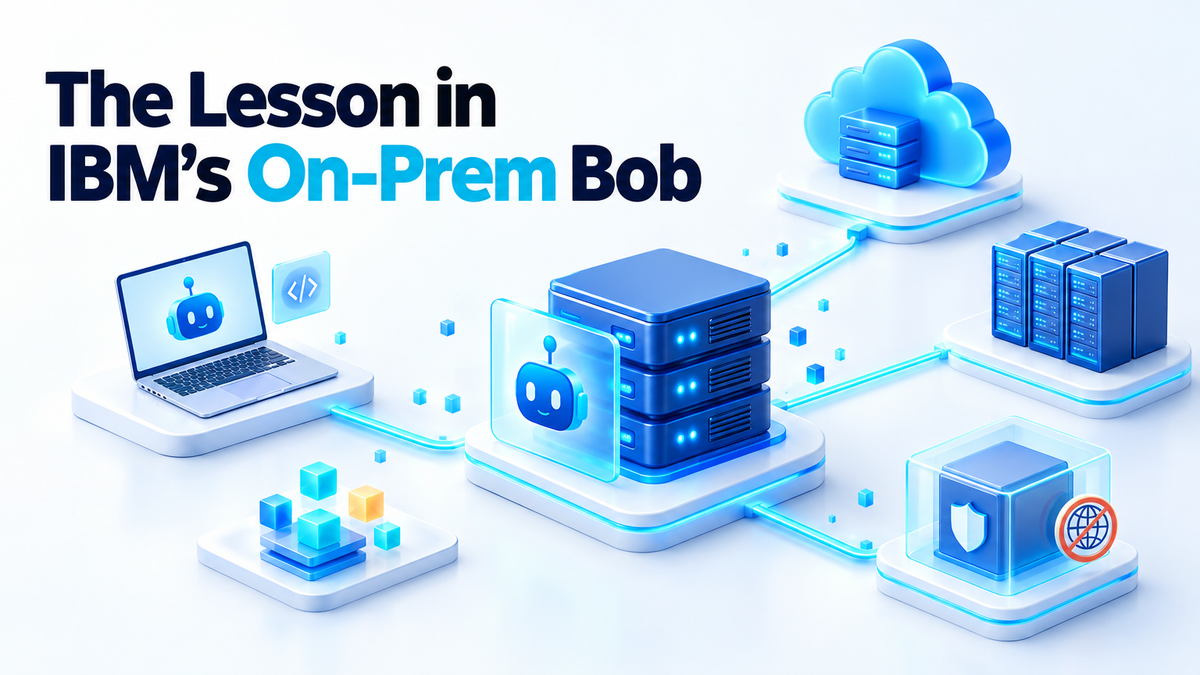
On 1 October 2026, IBM announced a self-hosted deployment option for IBM Bob, its agentic software development platform. Enterprises can now run Bob on-premises, in a private cloud, in a sovereign cloud or in a fully air-gapped environment. This is a new way to deploy a commercial, licensed product. Bob is not open source, and the announcement is not about open weights.
Take away the enterprise packaging and what IBM is selling is simple. The model, the code and the context stay inside infrastructure you control, and you know exactly what leaves. If you run a home server or a small Docker stack, you can have that today, at a smaller scale and with some honest trade-offs.
What self-hosted AI actually changes
Every AI tool has three parts. The model turns a prompt into an answer. The context is the code, files and notes the tool sends along with your prompt. The logs record what was asked, what came back and what the tool did.
Self-hosted AI is about where those three parts run. With a hosted assistant, your prompt and its context travel to the vendor's servers, because that is where the model lives. The vendor's retention policy decides how long it stays there and who can see it. You are trusting a contract, not a network boundary.
That is why “the model is in the cloud but the data is mine” is a different claim. Ownership is a legal idea, while location is a physical one. Data you own can still sit in someone else's request logs and fall under their country's laws. When inference runs on your own hardware, the prompt never leaves your network in the first place.
IBM describes its approach as bringing AI to the data instead of moving the data to the AI. Customers can run supported models they have licensed on their own premises, or connect Bob to external model services in a hybrid setup. Hybrid is useful, but the moment you use it, some data leaves. The same rule applies to your homelab.
IBM is open about why it built this. Neel Sundaresan, IBM's GM of AI and Automation, said: “The future of enterprise AI will depend on security, governance and sovereignty.” He added that organisations need AI that runs inside environments they control, especially where sensitive code and regulated data are involved.
IBM's own Institute for Business Value survey, published in June 2026, found that 68% of surveyed executives say meeting data residency and sovereignty requirements across geographies is challenging. IBM also cites a Futurum Research projection that hybrid and edge deployments will capture 44% of the AI infrastructure market by 2030, with public cloud's share falling to 46%. Treat that as a vendor-cited forecast, not a measurement.
Find out what your AI tools send out today
Before you move anything, find out what your current tools already send out. Do not guess. The answers are in the documentation, the settings screen and your own network traffic.
The assistant that reads your whole repo
Many coding assistants index your project so they can answer questions about it. Search their docs for “indexing”, “retention” and “training” to learn whether file contents are uploaded and how long prompts are kept. Check that the tool honours an ignore file, and put .env files, keys and client data on it.
The editor plugin that phones home
Telemetry is often a separate switch from the AI feature, and it is often on by default. Search the extension settings for “telemetry” and “usage data”, and turn off what you do not need. Then confirm it by watching the traffic, because a toggle is a promise, not proof.
The hosted API in your build pipeline
This one is easy to forget. A CI step that summarises pull requests sends your code to a hosted API on every push. Search your pipeline files for API hostnames and for secrets with names like *_API_KEY. Every match is a data flow you should be able to explain.
Watch the egress on the box
Use the tool for ten minutes, then leave it idle for ten minutes, and compare what you see. On a Linux machine, these two commands cover most of it:
sudo ss -tunp
sudo tcpdump -n -i any 'not (dst net 10.0.0.0/8 or dst net 172.16.0.0/12 or dst net 192.168.0.0/16 or dst net 127.0.0.0/8)'
The first shows which process holds which connection. The second shows packets heading to anything outside your private ranges. If you run your own DNS resolver, its query log is even easier to read, because it shows hostnames instead of IP addresses.
Doing it on a small stack
The small-scale version of IBM's pitch has three pieces: a model you host, an assistant whose context stays inside your network, and logs you keep.
A model you host. Run an open-weight model behind a local inference server that exposes an API on your LAN. You need a machine with a capable GPU or plenty of unified memory. Quantised models give up a little quality for a much smaller memory footprint, which is usually the right call on home hardware.
Context that stays inside. Many editor assistants and agent tools accept a custom API endpoint, so point them at your own server. If the tool builds a search index of your code, run the embedding model and the index locally too. Otherwise your code still leaves through the side door.
Logs you keep. Write prompts, responses and tool calls to your own disk, and rotate them so they do not fill it. Those logs are your audit trail when something goes wrong.
To make “nothing leaves” a property of the network rather than a hope, put the model server on a Docker network with no route out:
docker network create --internal ai-internalContainers on an internal network can reach each other but not the internet. Download the model weights first and mount them as a volume. Then put a small reverse proxy on both the internal network and your normal one so your editor can reach the model. The model can answer requests, but it cannot open connections of its own.
Now the honest part. Open-weight models are still behind the best closed models on hard tasks like large multi-file refactors, long chains of reasoning and subtle debugging. They do well on autocomplete, explaining code, writing boilerplate and summarising logs.
On my own box, the local model handles anything that touches client configs, and I accept that it is sometimes slower and less sharp. You also pay in hardware, electricity and setup time instead of licence fees. That is a real cost, so plan for it.
What stays your responsibility
Running it yourself means nobody else is on call. That is a fair trade if you plan for it.
You own the logs and the kill switch. The real risk is not a model that gives a bad answer. It is an agent with shell or file access that you cannot stop when it starts looping or doing something you did not ask for. Your kill switch can be as simple as docker stop, a firewall rule or a revoked token, but test it before you need it. I cover this in more detail in the post on the three controls for self-hosted AI agents: sandbox, logs and kill switch.
Backups are yours. Model weights can be downloaded again. Your configs, system prompts, logs and search index cannot. Back them up like everything else on the box, and test a restore.
Updates are yours. Inference servers change quickly, so pin versions and read the changelog before upgrading. Never expose the model API to the internet without authentication in front of it. Download weights only from sources you trust, and check the checksums when they are published.
Where to start this week
You do not need to rebuild everything at once. Start small and measure.
- Take inventory. List every AI tool you use: editor plugins, browser extensions, command-line tools, CI steps and chat apps. For each one, write down what it can read, where it sends that data and how long the vendor keeps it.
- Replace one tool. Choose the one that touches your most sensitive material, such as client code, infrastructure configs or private documents. Move only that one to a self-hosted setup.
- Give it two weeks. The first few days will feel slower while you tune prompts and context size. Keep a short note of where it falls short and where it is good enough, then judge it.
- Tighten the rest. For the tools you keep, turn off telemetry you do not need and add ignore files so secrets never get indexed.
If you want a hand with it
IBM's announcement shows that keeping AI inside your own walls is now a serious requirement for large organisations. The same idea works on a single server in a cupboard. If you would rather have someone set this up or harden an existing stack for you, take a look at the services page.
Fiverr: hiteshsaini459 · Upwork: hiteshsaini25