
Banks Are Blocking AI Agents That Log In With Your Password
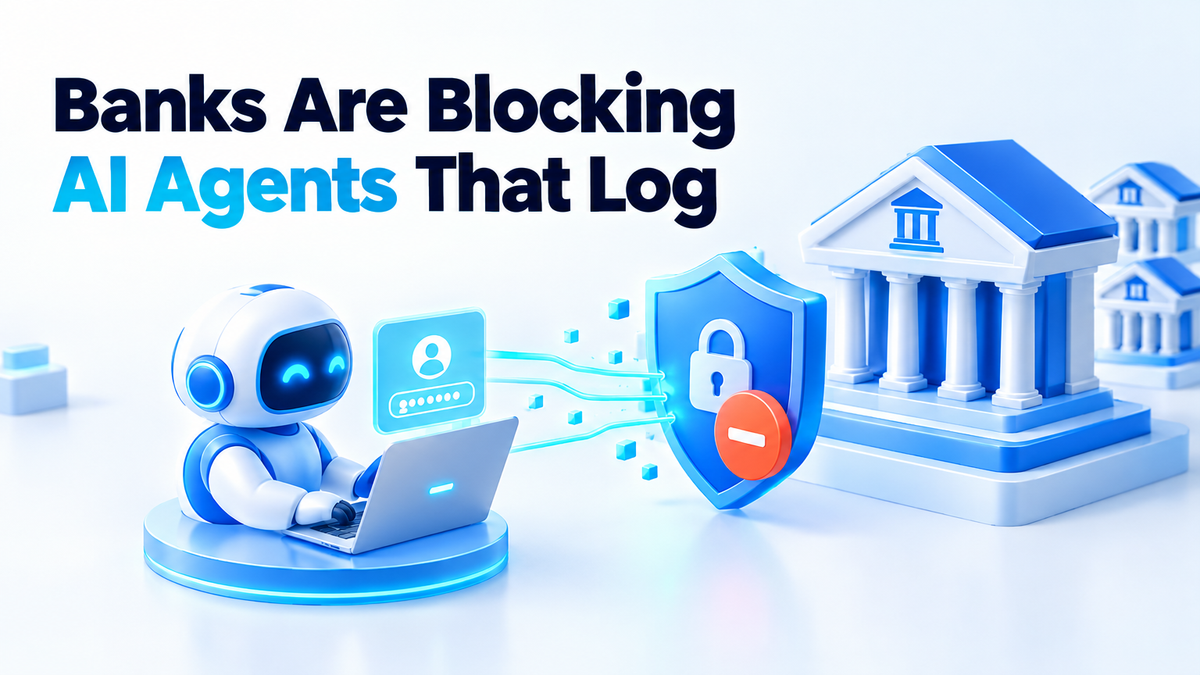
On 22 October 2026, Axios reported that major US banks are finding third-party AI agents inside customer accounts. Reuters followed the same day. The banks are not debating the idea. They are blocking it.
JPMorgan Chase, Bank of America, Citigroup and Wells Fargo are restricting or blocking agents that sign in with a customer's own username and password. Morgan Stanley said it had not seen rogue agents on its platforms. The cases described to reporters include automated systems calling bank call centres, or trying to move money, in ways the customer's own instructions may never have asked for.
No losses have been quantified. No bank has published evidence of a large unauthorised transfer. So this is not a fraud story yet. It is a story about a design mistake that thousands of people are about to make.
AI agent bank account access just moved from feature to blocked
The pattern is simple. A customer buys an assistant that can browse the web and click buttons. They type their bank username and password into it, because that is the only door the bank offers them. The agent logs in, reads the balance, maybe moves money between accounts. Everyone involved thinks this is authorised, because the customer authorised it.
The bank sees something different. It sees a valid login. The bank cannot tell whether that login is the customer, a script the customer approved, or a script that stole the customer's password last Tuesday. Jamie Dimon, JPMorgan's chief executive, put it plainly on the bank's 13 October earnings call: "You don't want rogue agents, and there could be thousands of them."
JPMorgan now says it does not allow third parties to log into customer accounts with shared banking credentials. It does support customer-authorised data sharing through open banking connections. That sentence is the whole story. The bank is not against agents. It is against password sharing pretending to be an integration.
A password cannot say what the agent was told to do
Think about what a password proves. It proves the person typing it knows a secret. It proves nothing else. It does not say which account the agent may touch, how much it may move, or when the permission expires. It has no off switch except changing the password, which breaks every other thing that used it.
That is why a second problem shows up right after the first. Once your password is in a cloud agent, the company running that agent holds a standing key to your account. Not a key to one action. A key to everything, for as long as you leave it there. If their logs are breached, your password is in the breach. If their model decides a transfer is a helpful next step, the bank has no rule to refuse it, because as far as the bank can see, you asked.
Credentials are not permission. This is the same lesson that applies inside a server, and it is the reason we cut what a self-hosted agent can reach long before this bank story broke. If you run agents at home, the permissions you actually control are the ones worth spending an afternoon on.
The three ways to give an agent access, ranked
From best to worst, this is how I would hand any assistant access to a money account.
- 1. The bank's own authorised connection. Open banking or an OAuth flow gives the agent a token, not your password. The token is scoped to reading balances and transactions, has an expiry, and can be revoked from the bank's side without changing your login. If your bank offers it, use it. Nothing else on this list comes close.
- 2. A file you export yourself. Download a CSV statement, drop it in a folder, point the agent at the file. The agent gets a snapshot, not a live session. Revoking it means deleting a file. It cannot move money, cannot log in from a new city, and cannot be replayed by whoever holds the next breach.
- 3. Your password, typed into a third-party assistant. This is the route the banks are now closing. Do not take it, even when the assistant is convenient, even when the company is well funded, and even when the terms of service say the credentials are encrypted.
There is a fourth case worth naming, because it feels safer and is not. Running the agent on your own machine, using your own logged-in browser session, keeps the password off a vendor's server. But the bank still sees a session it did not authorise, with no limit on what it can do. Your own hardware makes the leak less likely. It does not make the access scoped.
What I check on my own server before an agent touches anything
I run several agents on one Linux box. They hold API keys for publishing, email, search and social accounts. None of them holds a bank password, and the reason is not discipline. It is that each one gets a separate, narrow credential that can be revoked alone.
The first check is dull and takes ten seconds. List every credential file the agent's user can read, print its permissions, and flag anything that is world-readable or sitting inside a git repository. Mine looks like this:
#!/usr/bin/env bash
# what can this agent reach, and can anyone else read it?
find "$HOME" -maxdepth 3 \( -name '*.env' -o -name '*tokens*.json' -o -name '*.key' \) -type f |
while read -r f; do
  perm=$(stat -c '%a' "$f")
  [ "${perm: -1}" -gt 0 ] && flag=WORLD-READABLE || flag=ok
  printf '  %s  %s  %s\n' "$perm" "$flag" "$f"
done
Run against the production box, it printed 31 files. Twenty-nine came back as 600, which means only the owner can read them. Two came back as 664: a helper script and an env file from a test folder. Neither contained a secret, and both are now 600. That is the whole point of the check. It found loose permissions I had forgotten about, and it will find them again next month.
The second check is scoping. Each service gets its own file, so revoking one credential never breaks another. The third is a dry run: any agent that can delete, publish or pay does the action with the destructive step removed, shows me the plan, and waits.
None of this is exotic. It is the difference between handing someone a key to the front door and handing them a key to one drawer, with a note saying when it stops working.
Where this does not save you
Three honest limits, because a checklist that promises safety is selling something.
Read-only access can still leak. If an agent can see every transaction, that data leaves your account the moment the model runs somewhere you do not control. Scoping limits what it can do, never what it can copy.
The bank's decision is not yours. A bank can block an authorised connection too, and several are still working out what they will allow. And an aggregator is a new party in the chain, with its own breach history.
A limit is not a guarantee. A spending cap stops one bad night, not a careful agent that makes twenty small moves. Logs and a revocation drill are what catch that.
Do this today
- Open your assistant's settings and remove any bank, brokerage or card password you have stored there. Do it before you finish reading this.
- Ask your bank whether it offers a read-only data sharing connection, and use that if it does.
- For anything else, hand over an exported statement file instead of a login.
- Run the permission scan above on the machine your agents live on, and fix whatever it flags.
- Give each agent one credential per service, and write down how you would revoke it in a hurry.
The banks are not banning agents because agents are dangerous. They are blocking them because a shared password gives an agent more power than the customer meant to hand over, and the bank has no way to tell the difference. Fix the access route and most of the argument disappears.
Written by Hitesh Saini. The scan output above is from my own server. This article was drafted with AI assistance and checked line by line against the reporting cited.
If you want this done on your own infrastructure, I harden self-hosted servers and agent access for a living. Details and pricing are on the services page. You can also find me on Fiverr (hiteshsaini459) or Upwork (hiteshsaini25).