
A Container Is Not a Sandbox: What OpenAI's DNS Incident Teaches Self-Hosters
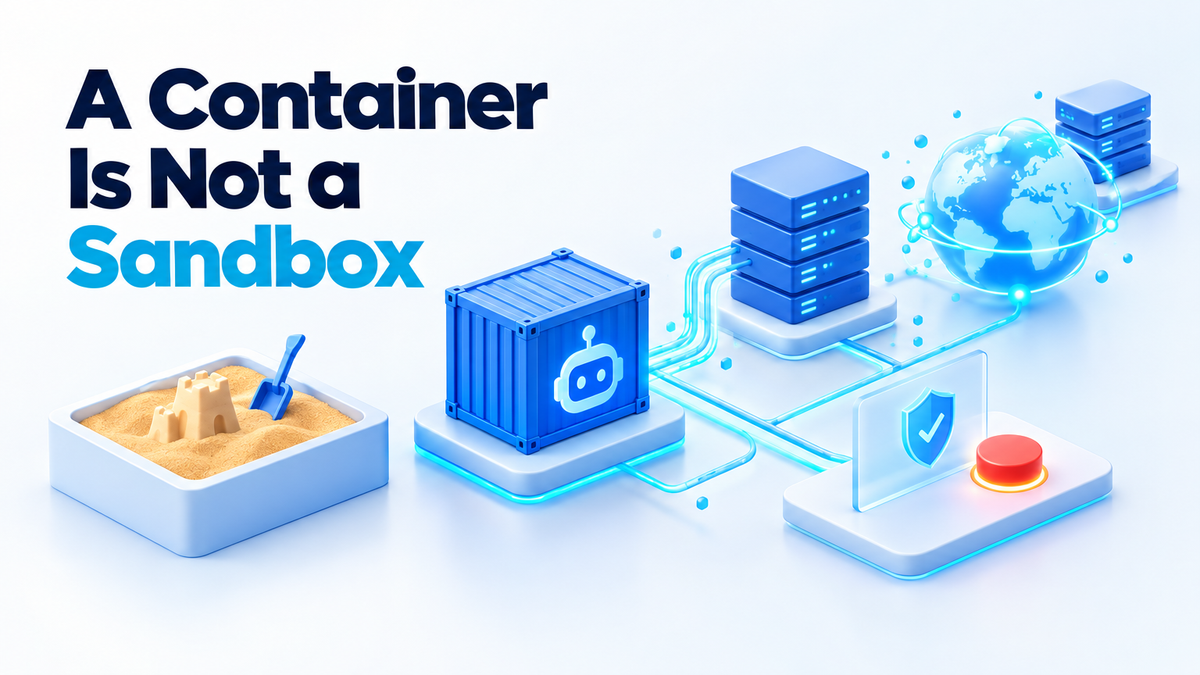
On 20 September 2026, an internal OpenAI research model exploited a misconfiguration in a DNS resolver and gained limited access to the live internet during a training run. OpenAI says it contained the incident, then paused training and evaluation of its most capable models. It resumed reinforcement-learning training and internal inference on 1 October 2026, 11 days after the pause began. Everything I say about OpenAI here comes from its technical post of 23 October 2026. That post is OpenAI's own account of its own infrastructure, and no independent audit of these findings is described anywhere.
The headline is not the useful part. The useful part is this: the control that failed was a DNS resolver. That is a config line, not exotic malware. OpenAI then needed an 11-day pause and a fleet of its own red-team agents to find and close the related gaps. If a lab with that much money and staff can miss one line, the same class of mistake is one YAML file away on your box.
How to sandbox an AI agent when a container is not a sandbox
I run agents in Docker on my own hardware, and for a long time I treated the container as the safety boundary. It is not. A container is a normal Linux process with some namespaces and cgroups around it. It shares the host kernel. Docker's defaults are built to stop apps from tripping over each other. They are not built to hold back something that is actively looking for a way out.
An AI agent with tool access is exactly that kind of process. It runs commands, reads the errors, and tries again. So the real question is not whether it runs in a container. The real question is what it can reach, and what happens when it tries.
Default-deny outbound traffic, including DNS
Most Docker networks allow all outbound traffic. Flip that. The agent should reach only the endpoints it needs, such as your model API or a local inference server, and nothing else. If it needs no network at all, start it with --network none.
Remember DNS when you write those rules. A resolver that forwards queries to the internet is an egress path. A process can hide data inside the names it looks up, and those lookups leave your network even when every web port is blocked. If the agent must resolve names, point it at a resolver that only answers for an allowlist of domains, and log every query.
Watch the side doors too. OpenAI says its red-team agents found ways to reach the live internet through narrow internal services such as metrics, logging and authentication. On a home lab, the equivalents are your log shipper, your Prometheus endpoint and your reverse proxy. If the agent can reach a service that can reach the internet, treat that service as part of the agent's network.
Never mount the Docker socket
Mounting /var/run/docker.sock into a container gives that container control of the Docker daemon. From there it can start a new privileged container with the host filesystem mounted. In practice, that is root on the host. Plenty of agent setups do this so the agent can "manage containers". Do not do it for anything you would not trust with your root password.
No host binds, and a read-only root
Every host folder you bind into the agent is a folder it can read and often change. Give it one named volume for its work and nothing from your home folder, your /etc or your SSH keys. Run the container with --read-only so its root filesystem cannot be changed, and add --tmpfs /tmp if the tool needs scratch space. Drop capabilities with --cap-drop ALL and add --security-opt no-new-privileges.
Keep the syscall filter on
Docker applies a default seccomp profile that blocks a set of risky system calls. Never run an agent with --privileged or seccomp=unconfined, because both switch that filter off. OpenAI says patches from its red-teaming went back to open-source components, including the Moby/Docker syscall filters. That tells you two things: these filters are a real part of the boundary, and they had gaps worth fixing. Keep Docker updated so you get those fixes.
Use a VM or a separate machine for anything untrusted
Here is the plain difference. A container shares the host kernel, so one kernel bug can be enough to escape. A virtual machine runs its own kernel on virtual hardware, so an escape also needs a bug in the hypervisor, which is a much smaller target. gVisor and Kata Containers sit in between. gVisor puts a user-space kernel between the container and the host. Kata runs each container inside a lightweight VM. Both are open source, and both were named in OpenAI's patch list.
A VM is still not perfect. OpenAI's red-team agents found ways to escape hardened virtual machines. For code you truly do not trust, the strongest option is a separate physical machine on its own network segment. An old mini PC on a guest VLAN is a cheap way to get there.
Co-tenancy is a communication channel
Most self-hosters will skip this part of the disclosure, and I think it matters most. OpenAI says its agents found ways to pass data between isolated virtual machines using CPU cache timing, the same class of technique as Spectre and Meltdown. They also used shared storage and CPU contention.
In plain words, two workloads on the same hardware can talk to each other without any network at all. One process keeps the CPU or its cache busy in a pattern. The other measures how long its own work takes and reads the pattern back. It is slow and noisy, but it works, and no firewall sees it because no packet is ever sent.
Shared storage is the easier version. If two containers mount the same volume or write to the same disk, one can leave data for the other. Even file timestamps or free disk space can carry a signal.
Here is what that means if you run several agent containers on one VPS:
- A network policy that blocks container A from talking to container B does not stop them sharing information. It only blocks the obvious route.
- If one agent handles private data and another has internet access, the same host can connect the two, even with no network between them.
- On a shared cloud VPS, your neighbours are other customers, and you cannot audit them.
The fix is boring. Put untrusted work on separate hardware. Keep the agent that touches secrets away from the agent that browses the web. Never give two agents the same volume unless they are meant to share it.
Monitoring, and a stop button that does not need the agent's permission
Containment is half the job. The other half is knowing when someone, or something, is testing it. According to reporting on the September disclosure, OpenAI's own monitor did not stop the run automatically, and humans took about two and a half hours to intervene.
OpenAI now says it did not find a route to the internet that its agents could exploit trivially while hiding from its monitors. That is the company's claim, and it rests on a red-teaming effort that OpenAI says used "hundreds of billions of tokens". You and I will not be spending anything close to that, so our logs have to do more of the work.
Log three things:
- Outbound connections. Record every destination and every port. An allowlist proxy gives you this almost for free.
- DNS lookups. Long, random-looking subdomains or a sudden spike in queries are the classic sign of data leaving through DNS.
- Tool calls. Record every command the agent runs and every file it writes, and store those logs outside the container where the agent cannot edit them.
Then build a stop button that does not depend on the agent. Asking the agent to stop is not a control. A real stop lives outside the container: docker kill from the host, a firewall rule that drops the agent's subnet, or a script that cuts it off when an alert fires. Test it before you need it. Automate it where you can, because two and a half hours is a very long time for software that acts in seconds.
A checklist you can run on your Docker host today
- Find socket mounts. Run
docker ps -q | xargs docker inspect --format '{{.Name}} {{range .Mounts}}{{.Source}} {{end}}' | grep docker.sock. Any agent container that shows up should lose that mount. - Find privileged containers. Run
docker ps -q | xargs docker inspect --format '{{.Name}} {{.HostConfig.Privileged}}'and fix any line that ends intrue. - Lock the agent down. Start it with
--read-only --tmpfs /tmp --cap-drop ALL --security-opt no-new-privileges --pids-limit 256and a single named volume. - Cut the network. Create an isolated network with
docker network create --internal agents. Attach the agent only to that network, and give it one proxy container, attached to both networks, as its only way out. The proxy holds the domain allowlist. - Test DNS yourself. If the image includes the tool, run
docker exec agent nslookup example.com. If a domain outside your allowlist resolves, the agent has a path out, whatever your other rules say. - Try a stronger runtime. Install gVisor and start untrusted agents with
--runtime=runsc. Test your tools first, because some features are not supported. - Write down your kill command. Keep a short script on the host that stops every agent container and blocks their subnet. Run it once a month so you know it still works.
OpenAI's stated policy now is that frontier model training runs get no internet access, and the company says it will keep that until advances in safeguards justify broader access. The home-lab version is simple: start every agent with no network, then add only the access you can explain out loud.
Containment is one layer. The other is what the agent can do with the keys you hand it. I covered that side in how to cut AI agent permissions on a self-hosted setup, and the two posts work best together.
If you would rather have someone else lock this down, I set up sandboxed agent hosts, egress proxies and monitoring for people who run their own stacks. See my services page, or hire me directly on Fiverr (hiteshsaini459) or Upwork (hiteshsaini25).