
BrowserSkill: Let the AI Agent on Your Server Use Your Real Browser
How I let the agent on my server use my logged-in Chrome with BrowserSkill, with measured timings, a systemd setup and the 0.4.1 upgrade that half worked.
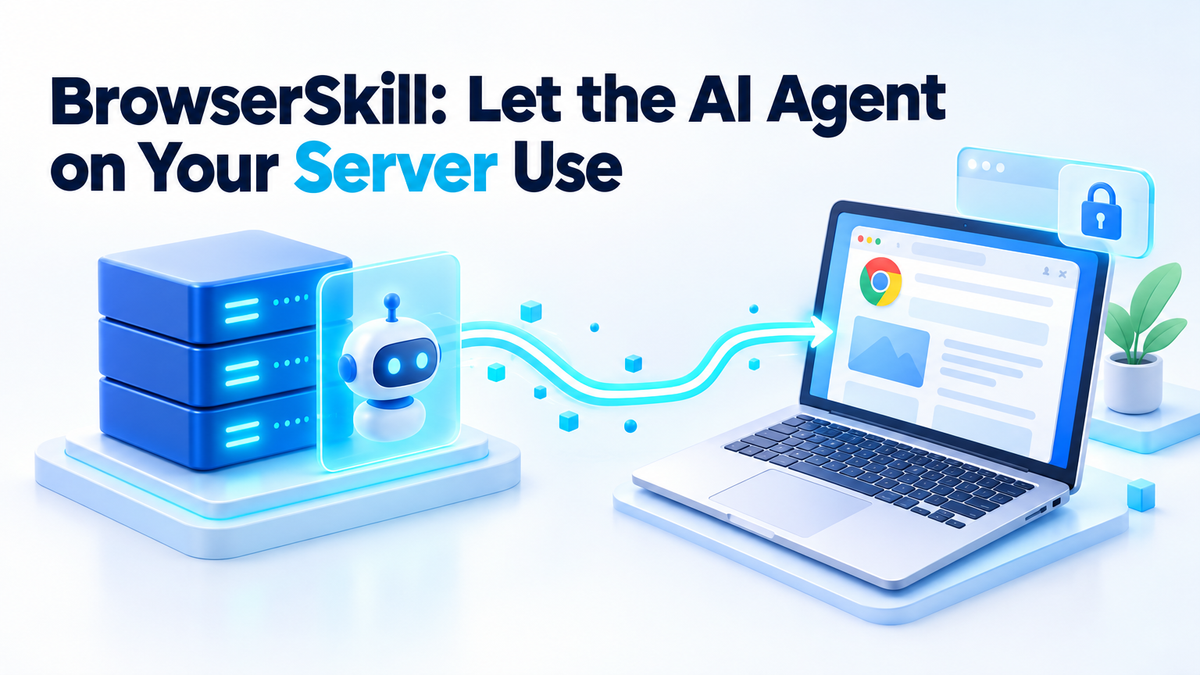
My agent runs on a server. The pages I need it to read sit on my laptop, in a Chrome profile logged in to Google. From the server, those pages are a login wall.
Most people export cookies to the box at that point. That puts a live session in a file on a machine that never needed it, which is the problem I wrote about in giving an agent your bank login. BrowserSkill flips it around. The agent sends commands to your real browser, and the logins stay where they are.
Giving a Self Hosted AI Agent Your Real Browser
BrowserSkill has three moving parts.
- The CLI and its daemon run on the server. The CLI is one static binary called
bsk, and the daemon holds the browser connection. - The extension runs in Chrome or Edge on your laptop. It comes from the Chrome Web Store or Edge Add-ons and needs Chromium 125 or later.
- The skill teaches a shell-capable agent the
bskcommands. Codex, Claude Code, Cursor and Hermes Agent are on their supported list.
Remote mode does the work. The daemon listens on 127.0.0.1:52800 and advertises a public wss URL. Ours is wss://bsk.selfhostpilot.com/extension, behind a named Cloudflare tunnel on its own hostname. The browser dials out to it, so the laptop opens no inbound port and needs no port forward. Each task gets its own Agent Window, and an existing tab can be borrowed and handed back.
BrowserSkill is an open-source, MIT-licensed tool from Tencent that lets a self-hosted AI agent drive a real Chrome or Edge browser through a command-line client, a background daemon and a browser extension, using the logins that browser already has.
That's my idea of running your own AI agent: the brain and the hands both sit on kit I control. It's a young repo, though. Created 22 Jun 2026, 9,984 stars on 4 Nov, up from 5,647 when I first looked on 19 Sep. About 94 a day. Popular and new gets extra caution from me.
What It Costs to Answer a Page
Same server, same remote browser over the tunnel:
| Command | Time | Output |
|---|---|---|
bsk session start --json | 729 ms | session id and agent window id |
bsk navigate (warm, example.com) | 974 ms | |
bsk navigate (cold, heavier site) | 21,172 ms | |
bsk observe (example.com) | 318 ms | 2,132 bytes |
bsk observe (our homepage) | 968 ms | 2,328 bytes |
bsk get-html (our homepage) | 799 ms | 54,990 bytes |
bsk snapshot | 582 ms | 2,328 bytes |
bsk screenshot | 6,827 ms | 4,000,648 bytes, 5120x2302 PNG |
bsk session stop | 616 ms |
On our homepage, bsk observe returned 2,328 bytes of annotated page structure. bsk get-html returned 54,990 bytes of HTML for the same page. That's roughly 24 times more text for the agent to read, and you pay for every token of it. Observe hands back an outline with reference ids the agent can act on, which covers most jobs. Trimmed:
@vom 1
@view 2545x1151
@layers 1 focus=L1
L1 page
  RootWebArea "SelfHost Pilot - Self-hosted Apps and Open-Source Guides"
    banner
      @e1 link "SelfHost Pilot"
      navigation
        list
          @e2 link "Home"
          @e3 link "Hire me"
      @e9 button "Search this site"
Screenshots cost more. Our display reports 2545x1151 CSS pixels at 2x, so one viewport capture is a 4 MB PNG. I keep them for debugging.
Resident memory for the daemon was 9.9 MB, and BSK_HOME held 3.3 MB of disk after 26 days.
How I Set It Up on the Server
One installer command on Ubuntu, run as my normal user with no sudo. It resolved 0.4.1 from version.json, downloaded the musl tarball, checked its sha256 against the release manifest and installed a single static binary. Wall time 4.64 seconds, and nothing else on the system moved:
# official installer, run as my normal user
#   version.json -> latest 0.4.1
#   download     -> bsk-v0.4.1-x86_64-unknown-linux-musl.tar.gz
#   sha256       -> matched the release manifest
#   install      -> ~/.local/bin/bsk
$ stat -c %s ~/.local/bin/bsk
16018672
What bit us first: server mode stays in the foreground. Close the SSH session and the browser loses its daemon. It belongs in a systemd user unit or another supervised background task. Ours, trimmed, with the binary path the one thing I'd change:
# ~/.config/systemd/user/bsk-daemon.service
[Unit]
Description=bsk daemon in server mode
After=network-online.target

[Service]
Environment=BSK_HOME=%h/.bsk
# point this at a versioned copy, not a moving symlink
ExecStart=%h/.local/bin/bsk daemon start --mode server \
  --listen 127.0.0.1 \
  --public-url wss://bsk.example.com/extension \
  --pairing-ttl 60m --session-idle 60m
Restart=always
RestartSec=5

[Install]
WantedBy=default.target
Run loginctl enable-linger so the unit survives logout. The named tunnel points bsk.selfhostpilot.com at 127.0.0.1:52800 and nothing else. If an agent runtime lives on the same box, like my DeepSeek Harness setup, it just calls bsk from its shell. Pairing I did once, by hand: a single-use link in the browser that has the extension, and a credential comes back. TTL 60 minutes, the maximum.
The Upgrade That Half Worked
After 0.4.1 shipped on 1 Nov, I re-ran the installer. The new binary landed and the installer exited cleanly. Our systemd unit kept running the 0.3.2 daemon it had started days earlier. Doctor caught it:
$ bsk doctor
ok    bsk home writable                /home/hermes/.bsk
ok    daemon running                   pid 1001 at ws://127.0.0.1:52800
FAIL  protocol compatible              daemon protocol 1.3 (expected 1.8), app 0.3.2 — hint: upgrade or restart bsk so CLI and daemon speak the same protocol version
WARN  auto-update                      the daemon runs bsk 0.3.2, the installed bsk is 0.4.1
ok    extension connected              1 browser(s) connected
That FAIL line came with exit code 0. A health check that only reads the exit code reports green.
Most things still worked. Session start, navigate, observe, get-html and screenshot all ran on the 0.4.1 CLI. Then I tried structured extraction:
$ bsk extract discover --session rfgm
error: IPC response id mismatch: expected extract-2f481f36, got 0
hint: is the daemon running? try `bsk daemon start` or `bsk status`
The daemon was running. It was the wrong daemon.
Putting CLI 0.3.2 back gave eight checks, all ok. The same command then said:
error: unrecognized subcommand 'extract'So extract is new in 0.4, and the old daemon answered a command it didn't have with an id mismatch. Their README's Updating section covers the order: update the CLI and restart its running daemon before touching the extension, because CLI, daemon and extension 0.4.1 all use protocol 1.8. What I do now:
- Install each CLI to a versioned path and pin
ExecStartto it. - Restart the unit, so CLI and daemon move together.
- Grep the
bsk doctoroutput for FAIL, whatever the exit code says. - Update the extension last.
What It Actually Does for Us
One boring job. Google Search Console: URL inspection, then Request indexing. That UI needs a real signed-in Google session and I won't export Google cookies, so the agent drives my own logged-in Chrome.
The first real pass on 9 Oct 2026 got 12 of 15 URLs into the priority crawl queue. Three failed because the card didn't offer the button. A fresh page load per URL fixed it.
Our append-only log has 82 lines now, 53 of them OK confirmations. When I measured, the daemon had been up 400 hours 30 minutes, with one paired device labelled "Chrome · BrowserSkill" and a credential expiring 2027-01-07, the 90-day device TTL.
The socket is restless. Over those 16 days the daemon logged 501 "browser connected" events and 374 "Connection reset without closing handshake" warnings, roughly one reconnect every 45 minutes. Our job doesn't notice, because every command opens its own session and stops it.
Our tunnel log is the other kind of noise: 1,038 "Failed to refresh DNS local resolver" lines since 9 Oct, from a broken resolver on this box. The tunnel stayed up through all of it, and the noise makes that log useless for alerting.
What I Would Not Hand It
Their docs are blunt about this, which I like. The Agent Window shares the selected profile's login state and is "not a separate account or security sandbox". If that profile can open your email, so can the agent.
Two extension settings are on by default: Confirm before borrowing tabs and Allow requests for human help. Leave both on.
Pairing links are single use. Device credentials last 90 days, and bsk daemon revoke takes one away. Ours, trimmed with ids redacted:
$ bsk daemon devices
device   [redacted]
browser  [redacted]
label    Chrome · BrowserSkill
expires  2027-01-07
Operation audit is off by default. When on it records metadata without input values, page bodies, screenshots or file contents. No mandatory cloud service and no product telemetry, though their docs admit redaction can't guarantee every secret is removed.
The big one: everything the browser shows goes to whichever agent you connected, and on to its model provider if it uses one. I won't point it at a banking session. More on where I draw that line in how I lock down self-hosted agents.
Limits Worth Knowing Before You Install
- Chrome and Microsoft Edge only, Chromium 125 or later. No Firefox.
- Remote mode needs wss. A plain http tunnel won't work.
- Releases don't always land together. Extension 0.3.3 shipped on 14 Oct, CLI 0.3.3 on 15 Oct.
- A closed browser fails the command instead of pretending. You get
"code": "not_found","message": "requested browser is not connected"and a hint to runbsk browsers. - Full-page capture follows the document scroll area, so nested scrolling panels and virtualised lists aren't fully covered. Upload and download are local-only.
- Automation through your own logged-in browser can still breach a site's terms of service. The tool doesn't change that.
FAQ
Does BrowserSkill export my cookies or passwords?
No. The extension acts inside your browser with the logins already there, and we never copied a cookie to the server. The catch is that the agent sees whatever those pages show.
Can I run it on a headless server?
Yes, that's our setup. CLI and daemon sit on a headless Ubuntu box, and the browser on a laptop dials out over wss. Put the daemon under systemd, because server mode stays in the foreground.
What happens when my laptop sleeps?
Commands fail with "requested browser is not connected" instead of hanging. When the laptop wakes the extension reconnects by itself, which is what those 501 connect events were. Retry on not_found, or schedule jobs for when the laptop is awake.
BrowserSkill retired my cookie-export routine for a 16 MB binary and a tunnel hostname. It has rough edges, and half an upgrade will bite you.
I've done 30-plus Nextcloud, Jitsi and Matrix deployments as a Fiverr Level 2 seller with 5.0 stars, and this is the same kind of job: easy to get slightly wrong. If you'd like it running on your own server, done properly, the services page has the details. Happy to just answer a question too.